Welcome to Mentorly! Here are the key first steps to starting your mentor journey.
1. Sign up
The first step is joining Mentorly! You can sign up as a Mentor by heading to https://marketplace.mentorly.co/en and clicking the 'Sign up' button from the Marketplace homepage, followed by clicking on the Mentor option.

2. Begin your onboarding experience
Once you've signed up, Mentorly will guide you through a few Onboarding steps that will allow you to start building your Mentee profile.
We'll ask about you and your experiences, your skills, as well as upload a profile picture and adjust your settings.
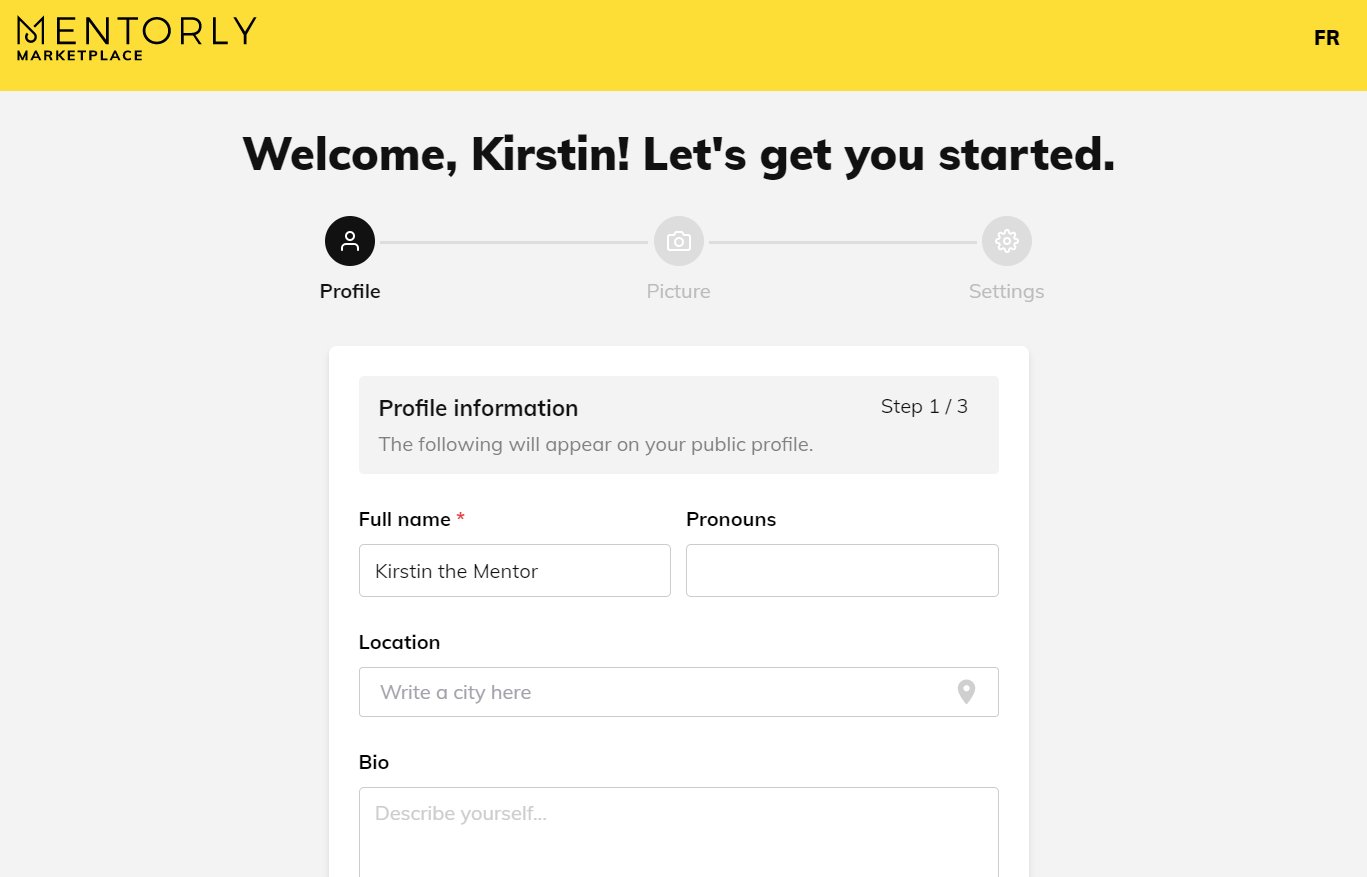
Good to know: You'll be able to edit this information later on from your Personal Dashboard.
Good to know: Mentorly only allows your profile to be under one sector/industry (not multiple). You can add multiple areas of expertise.
3. Complete your Profile
Once you've completed your onboarding, you will be brought to your Mentorly personal dashboard. From here, you can finish completing your profile by clicking on the Profile tab on the left side.
You can add more information to your profile such as your location, links to your social media pages (LinkedIn, Instagram, Youtube, etc), personal websites, and upload photos.
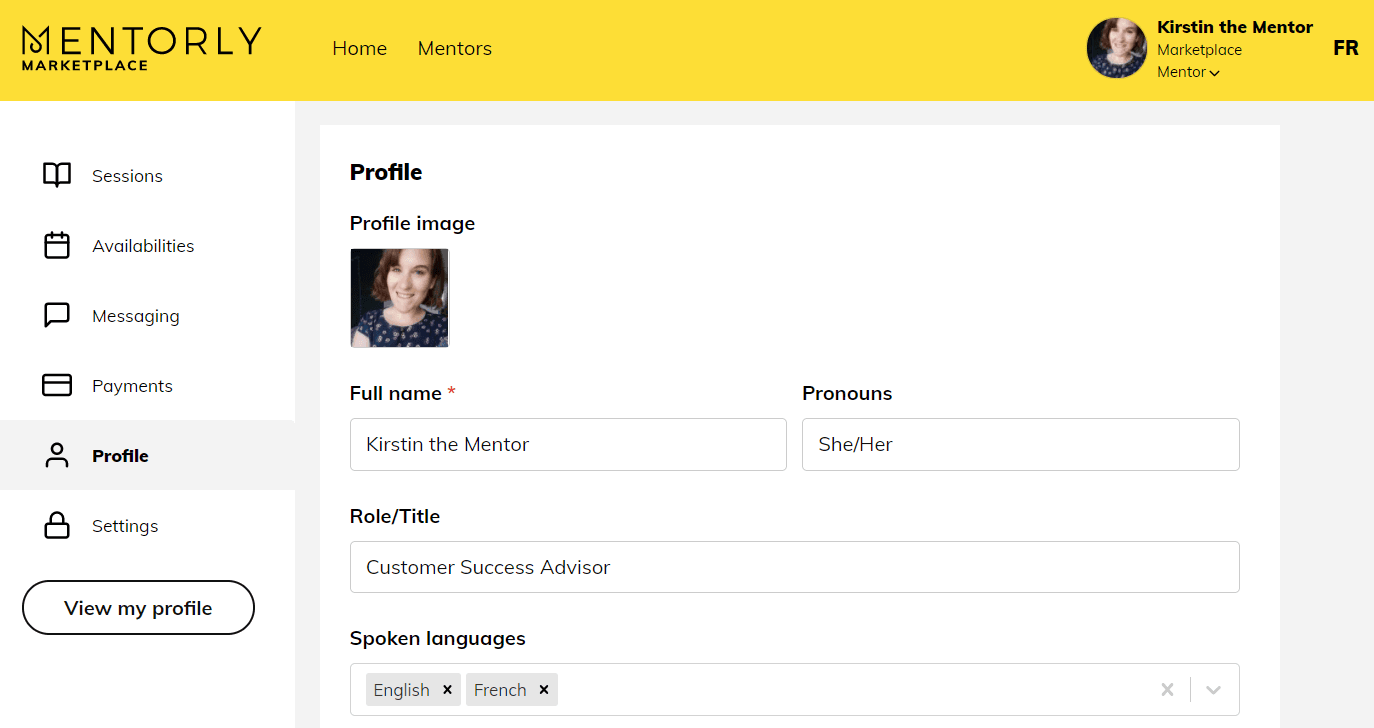
You can also adjust your settings (email, timezone) from the Settings tab.
Good to know: Mentorly is time-zone smart, which means the times indicated throughout the site will be based on the browser location.
Set how many mentees you can take on
If your program limits how many mentees a mentor can be matched with, you can set your own maximum.
- Click the Profile tab on the left side of your personal dashboard.
- Find the Mentor Capacity Override field.
- Enter the maximum number of mentees you can be matched with at the same time, then save your changes.
Leave the field empty to use your program's default. Enter 0 for unlimited mentees.
Good to know: This field only appears when your program has a Mentor Capacity set. If you do not see it, your program manager has not turned on capacity limits for your program.
4. Resources and Support
Our Mentorly Help Centre is always available at the bottom of the screen. It has a number of articles all designed to provide assistance every step of the way.

Mentorly prides itself on its highly responsive customer service and technical support - our support team is available Monday - Friday, 9am - 6pm EST. Simply reach out to us on Intercom (the icon below - found in the bottom right corner) or contact us at support@mentorly.co. We'll be happy to help!

What's next?
Add your availability, set your pricing and choose your cancellation policy